

The Google Phone App has redefined how Android users think about calling. Unlike the old dialer apps that simply connected you to another number, this app adds a modern, intelligent twist to the way you communicate. With its combination of simplicity and advanced tools, it is built for anyone who values both convenience and reliability.
What makes it even more appealing is the way it blends into the Android ecosystem without forcing you to learn something new. From caller ID to spam filtering, the Google Phone App doesn’t just help you make calls — it makes sure those calls are efficient, safe, and meaningful.
Why the Google Phone App Stands Out
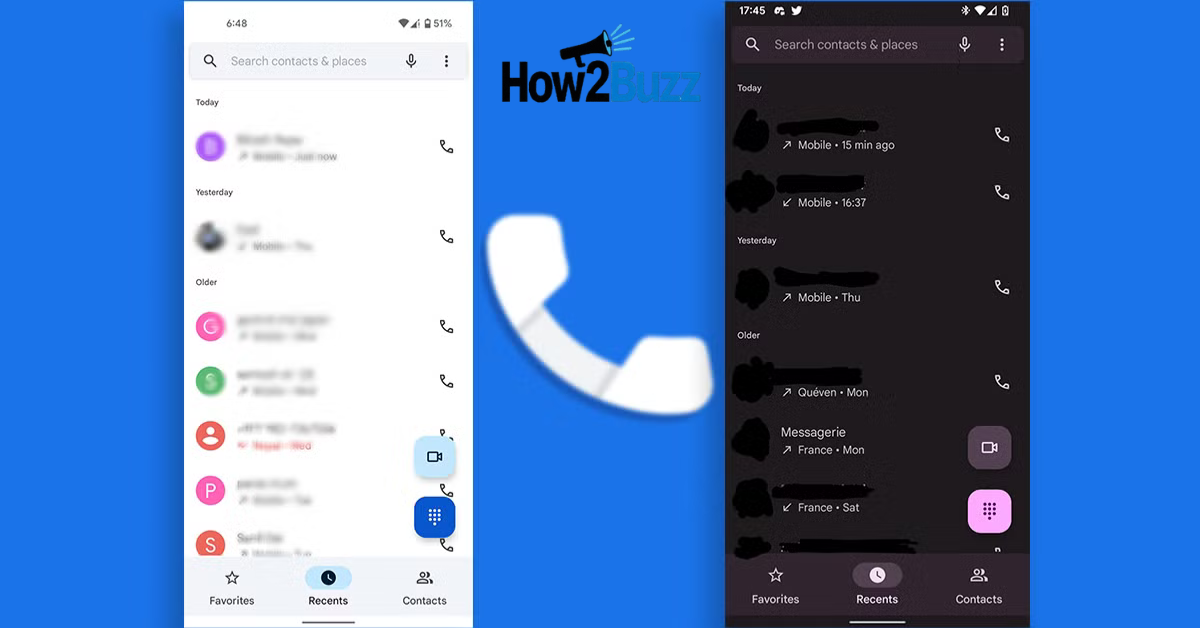
At first glance, the app’s clean and intuitive interface is what grabs attention. It strips away unnecessary clutter and focuses only on what matters: calling. The design is straightforward, with a dial pad, recent calls, and contacts neatly laid out for easy access.
But the real strength lies in its smart features. Call screening, for example, lets Google Assistant handle unknown calls for you. Instead of picking up blindly, you can read a real-time transcript and decide whether the caller deserves your time. It’s this combination of design and practicality that makes the Google Phone App so appealing.
How the Google Phone App Improves Everyday Calling
The app transforms ordinary calling into a smarter experience. One standout function is spam protection, which filters out robocalls and telemarketers before they waste your time. When you’re busy, this small feature can save a surprising amount of frustration.
Caller ID is another useful addition. Even if you don’t have a number saved in your contacts, the app often identifies it for you. Imagine waiting for a call from a delivery service or a local store — instead of guessing, you know exactly who’s on the other end.
Features You’ll Love Inside the Google Phone App
The Google Phone App is loaded with thoughtful tools. Call recording, for instance, is available in many regions and can be a lifesaver for professionals who need accurate records of conversations. It also helps everyday users who prefer not to take notes during important calls.
Visual voicemail is another modern upgrade. Instead of dialing into an outdated voicemail system, you can see a list of messages right in the app. In some cases, the app even provides voicemail transcription, allowing you to quickly read messages on the go.
The Evolution of the Google Phone App
When the Google Phone App first appeared, it was limited to Pixel devices. At that time, it was a simple dialer, not much different from what other manufacturers offered. But over the years, Google expanded its reach and added features that made it stand out.
Today, it’s available on a variety of Android devices, not just Pixels. That expansion allowed more users to enjoy its smart tools, including spam filtering and call screening, helping it become one of the most trusted dialer apps in the Android ecosystem.
Why Businesses Benefit from the Google Phone App
The app isn’t only valuable for personal use. Businesses also gain a lot from its features. With caller ID and spam detection, employees can focus on genuine customer calls instead of wasting time on irrelevant ones. This improves efficiency and customer service.
Recording and voicemail transcription also serve businesses well. Teams can review client discussions without relying on memory, ensuring accuracy in service delivery. These small improvements add up to smoother operations and better results for organizations of all sizes.
Customization and Accessibility in the Google Phone App
Flexibility is one of the app’s underrated strengths. You can customize call settings, manage blocked numbers, and integrate it seamlessly with your contacts. This makes the app adaptable to different calling habits, whether you’re someone who makes frequent business calls or just a few personal ones.
Accessibility is also prioritized. Clear layouts, larger icons, and voice features make it easy for people of all ages to use. For older users who may find modern apps intimidating, the Google Phone App offers simplicity without sacrificing functionality.
Comparing the Google Phone App with Other Dialers
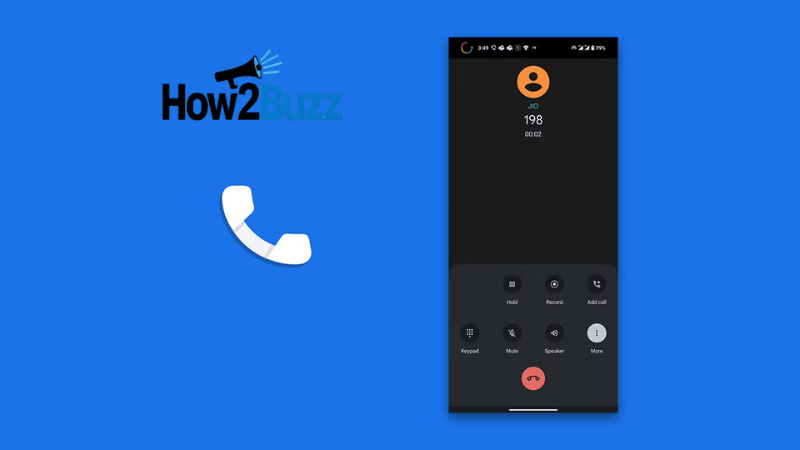
Android has plenty of dialer options, but few compare to the balance this app offers. Some third-party dialers overload their screens with ads or unnecessary extras, making them harder to use. The Google Phone App focuses on minimalism and smart tools that actually make a difference.
Trust also plays a role here. Because it’s developed by Google, users feel more confident about privacy and updates. Unlike random dialers from unknown developers, the Google Phone App offers the security and polish of a company that millions rely on every day.
Privacy and Security in the Google Phone App
In today’s digital landscape, security is non-negotiable. The Google Phone App leverages Google’s systems to identify spam and suspicious numbers while keeping user data private. This gives you the protection you need without exposing personal information unnecessarily.
Even features like call recording are transparent. When recording is enabled, both parties are notified, ensuring fairness and compliance with local laws. By prioritizing safety and openness, the app makes sure users can trust it for everyday communication.
Tips for Getting the Most Out of the Google Phone App
If you’re new to the app, start by exploring its settings. You can set up call blocking, tweak voicemail preferences, and manage call display options. These customizations help make the app truly yours.
Don’t forget to try call screening if it’s available in your area. It might feel strange to let Google Assistant answer your calls at first, but once you see how well it filters spam, you’ll appreciate how much time it saves.
The Future of the Google Phone App
The future looks bright for the Google Phone App. With Google’s focus on artificial intelligence and machine learning, we can expect even smarter spam protection and better integration with Assistant. Imagine predictive features that help you manage calls before they even ring.
As communication evolves, the app is likely to become more than just a dialer. It could grow into a central communication hub, blending calls, messages, and AI-powered insights. That potential makes it one of the most exciting apps to watch on Android.
Conclusion
The Google Phone App has proven that calling can be smarter, faster, and safer. It’s no longer just about connecting two numbers — it’s about creating a streamlined experience that respects your time and protects your privacy. With features like call screening, spam blocking, and visual voicemail, it redefines what a dialer should be.
Whether you’re a professional, a business owner, or just someone who makes the occasional call, the app delivers reliability and convenience. As it continues to evolve, it’s clear that the Google Phone App will remain an essential part of the Android experience.
FAQs
Is the Google Phone App available on all Android phones?
It was once exclusive to Pixel, but now it works on many Android devices. Some features may depend on your phone model and carrier.
Does the app work with dual SIM devices?
Yes, it supports dual SIM, making it easy to manage multiple numbers within the same interface.
Can I install it on iPhone?
Currently, the app is designed only for Android. iOS users must use the built-in dialer.
Is there any cost for using the app?
No, the app is free, although some advanced features depend on carrier support.
How often does Google update the app?
Updates roll out regularly via the Play Store, bringing security fixes and new improvements.